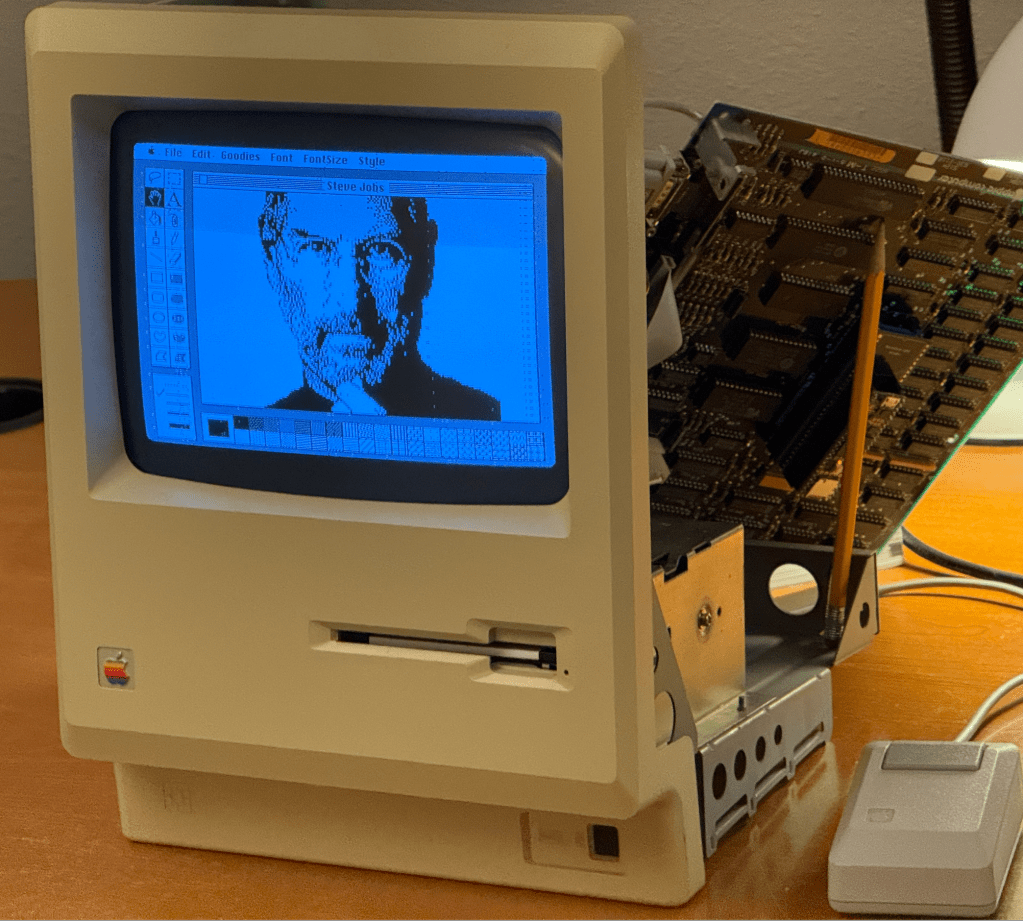
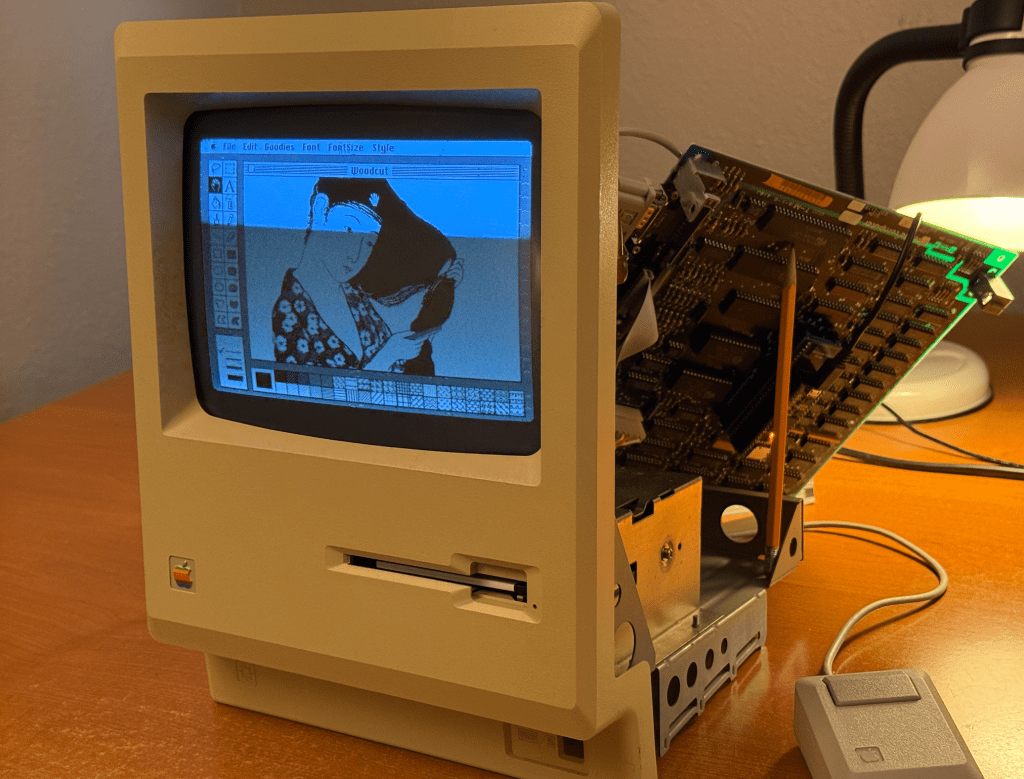
World’s Fastest Commodore PET using the MCL65+ 6502 drop-in emulator

I recently acquired and restored a Commodore PET 4016, so I thought it might be fun to try replacing the CPU with an MCL65+ 6502 drop-in replacement board to see how it performs. I also was interested to see how much faster the PET can operate when running in some acceleration modes!

My PET 4016, which normally contains 16 KB of DRAM, was upgraded to 32 KB by a previous user. This motherboard had holes drilled in the second DRAM bank by Commodore to keep users from upgrading their 4016 machines to 32 KB in and to force them to buy a PET 4032. This user simple hand-soldered the drilled out connections and upgraded it anyway!

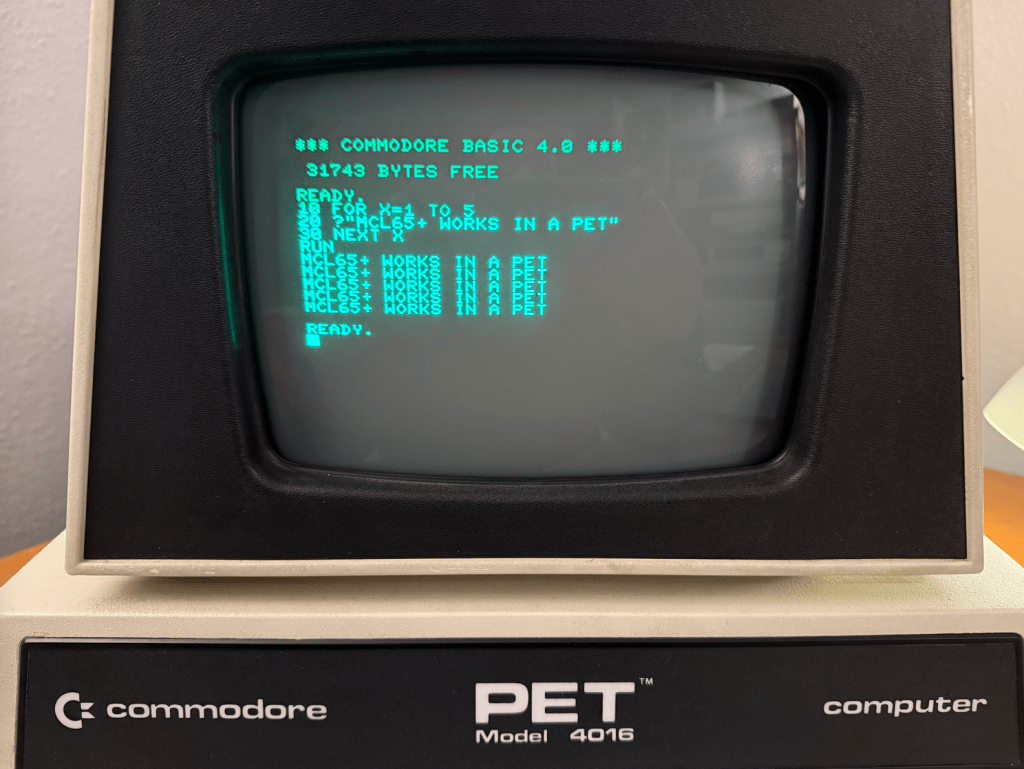
As soon as I installed the MCL65+ it was able to booting the PET and I was able to run a small BASIC program. It had no trouble replacing the 6502 in the computer.

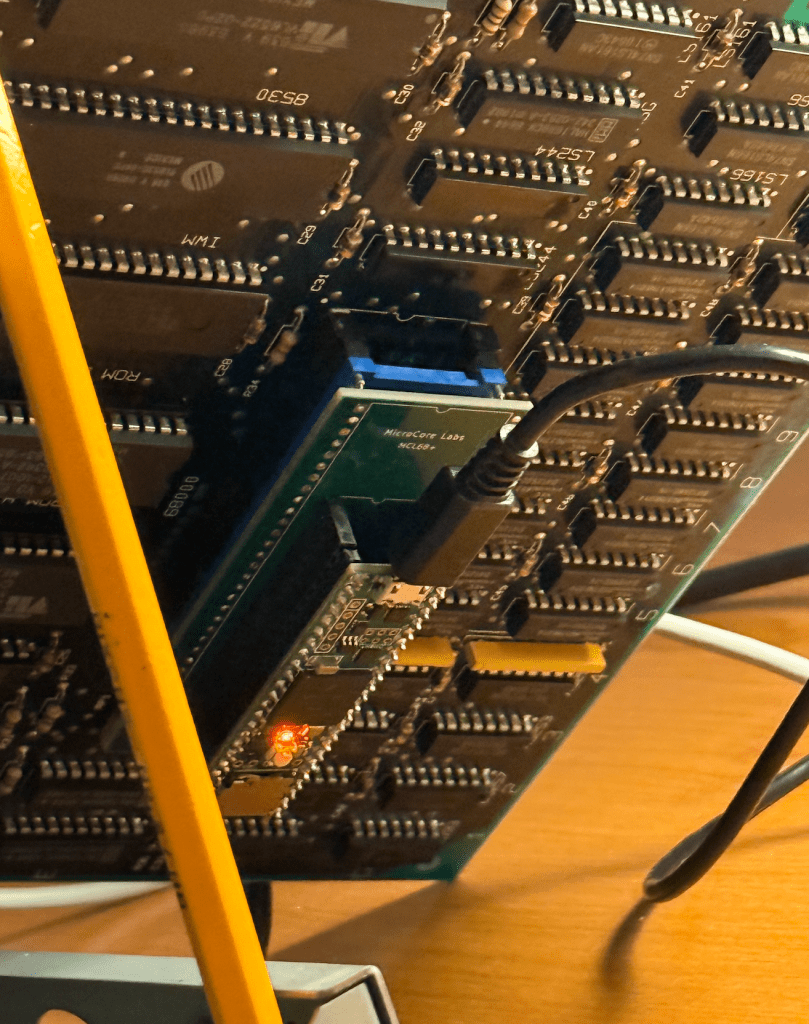
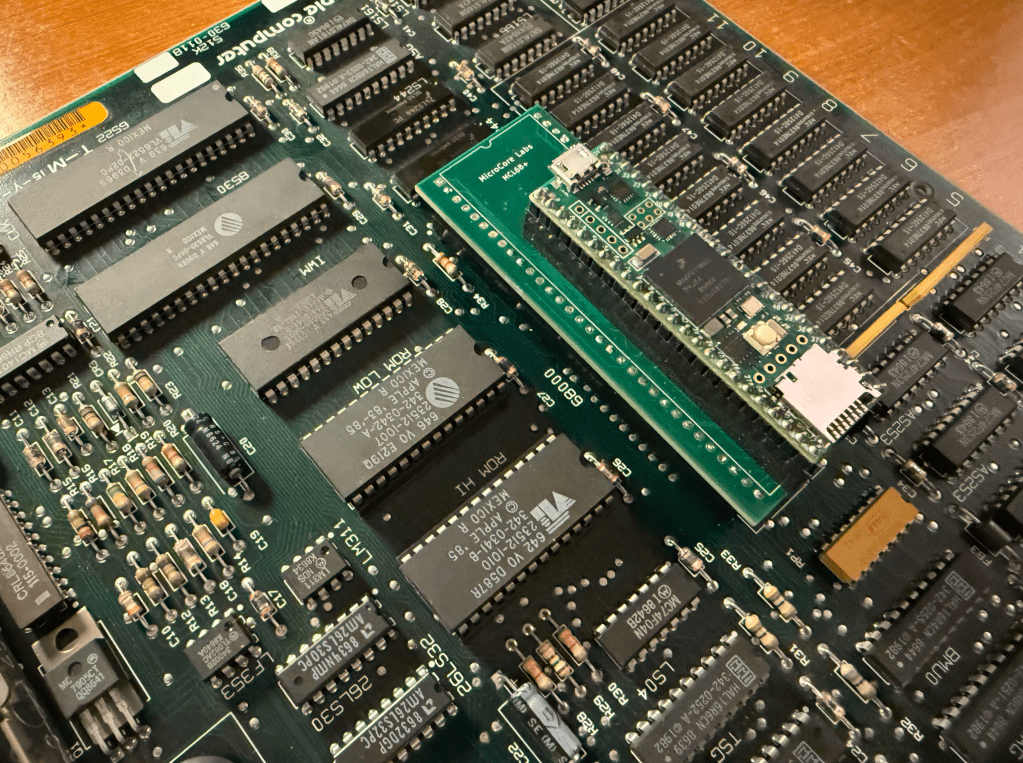
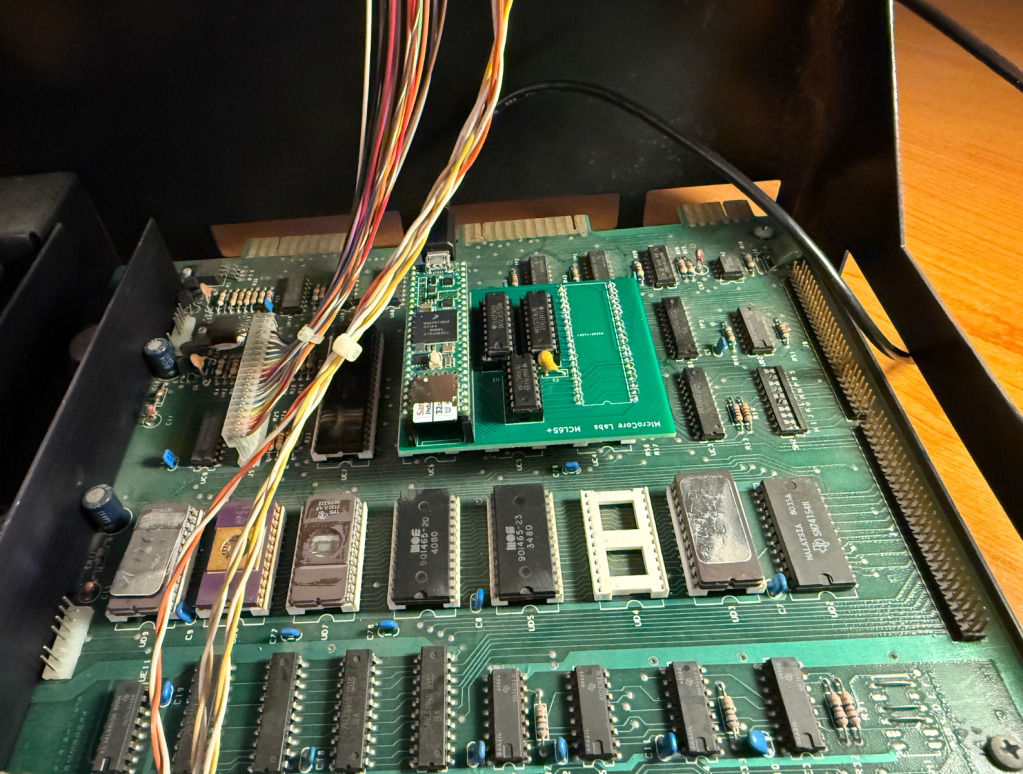
This is the MCL65+ installed in the computer’s CPU socket – replacing the 6502.

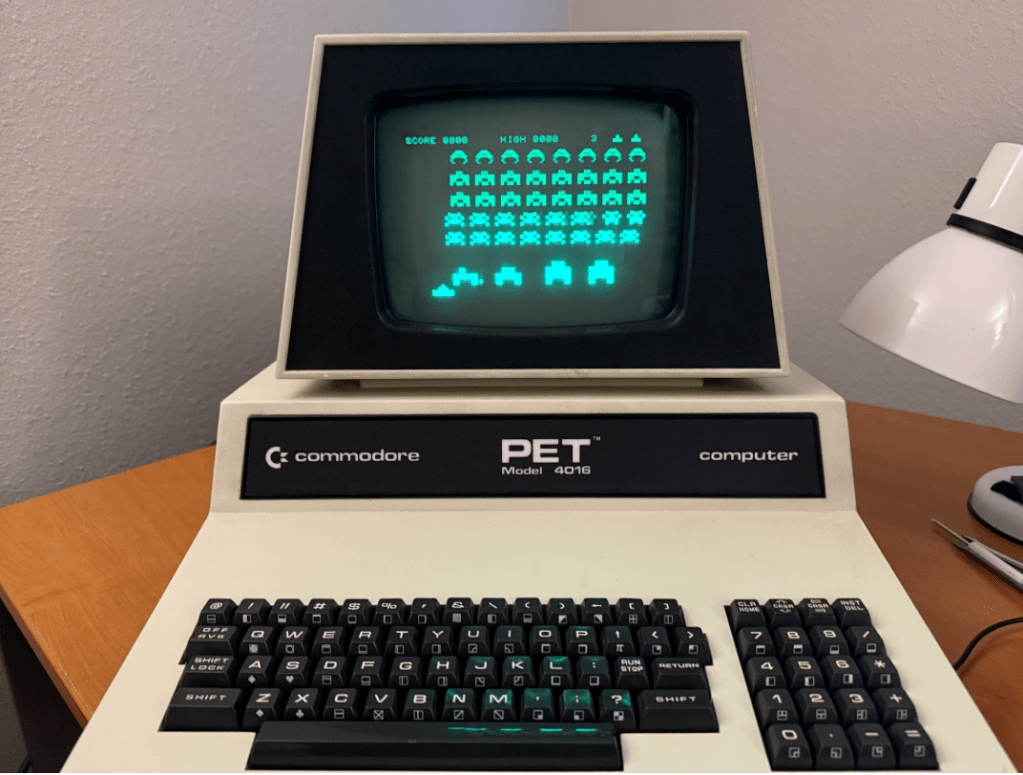
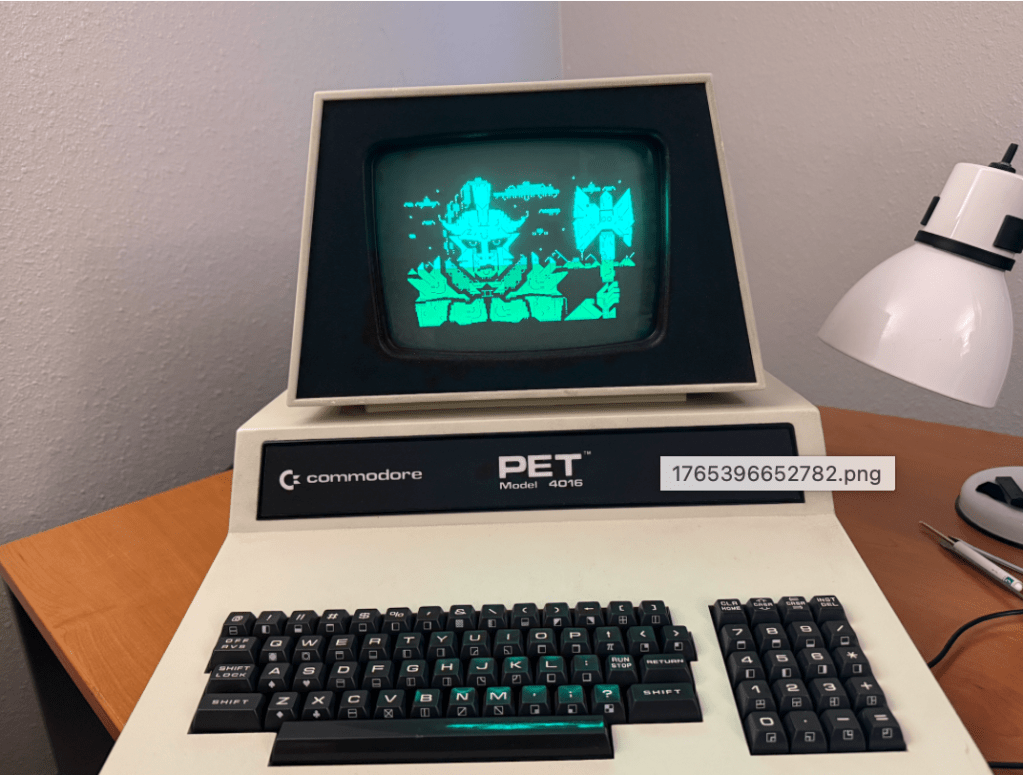
The next step was to test a theory that I had – I wondered if a .PRG program file could be loaded and run directly from the PET’s memory without needing a disk drive. This turned out to be the case!

The first two bytes of a .PRG binary file contains the memory address to locate the program and the rest of the file is simple the stream of binary data for the program. I simple converted the .PRG files to a string of hex data, placed it in an array in the MCL65+ code, and loaded it when the user presses a key.

Once the program was loaded I just needed to type RUN in BASIC and the program started up!

Being able to replace the 6502 and run programs directly from the internal memory was interesting, but I though it would be even more amusing to try some acceleration modes of the MCL65+ to see how fast we can run a Commodore PET.

Here is a video demonstration of me running a few programs and diagnostics using a few acceleration modes:


The MCL65+ uses a Teensy 4.1 which contains 1 MB of memory so it can easily emulate all of the PET’s ROM and RAM. With just a few line of code it can emulate different PET ROM images and diagnostic ROMs, support different sizes of system memory, and can mirror these memories in a cycle accurate or accelerated manners.

The video shows the computer running three acceleration modes. Mode-1, Mode-2, and Mode-3.

Mode-1 is cycle accurate where the MCL65+ runs just like a stock 6502 and is cycle accurate for both reads and writes. Mode-2 is cycle accurate on writes but accelerated on reads. Mode-3 is accelerated on both reads and writes. The accelerated modes store all of the computer’s RAM and ROM inside of the MCL65+ internal memory and run it at the maximum speed of the Teensy which is 900 MHz and clock accuracy is not observed.

I believe this machine is now the World’s Fastest Commodore PET!

World’s Fastest Commodore PET using the MCL65+ 6502 drop-in emulator

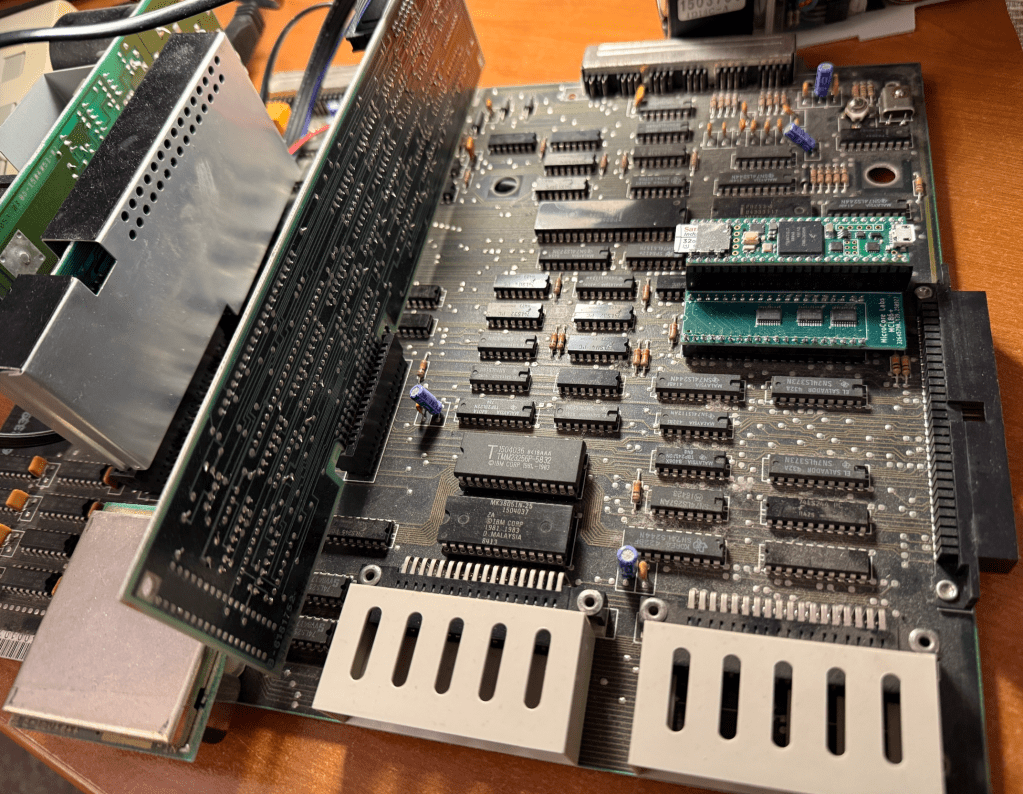
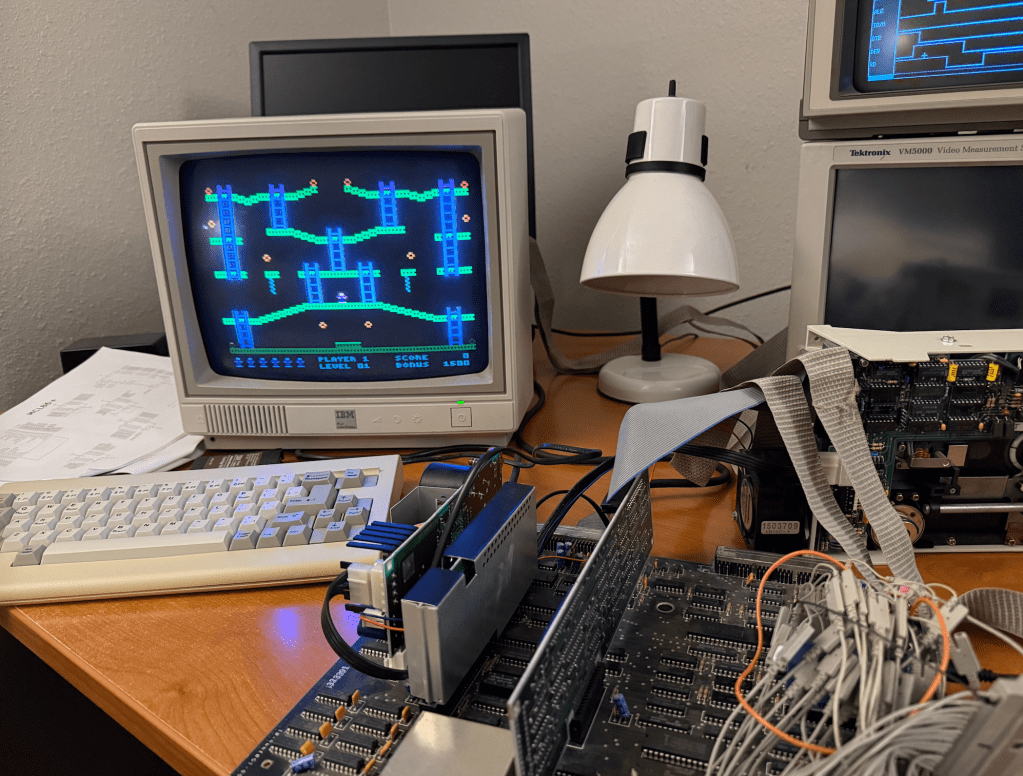
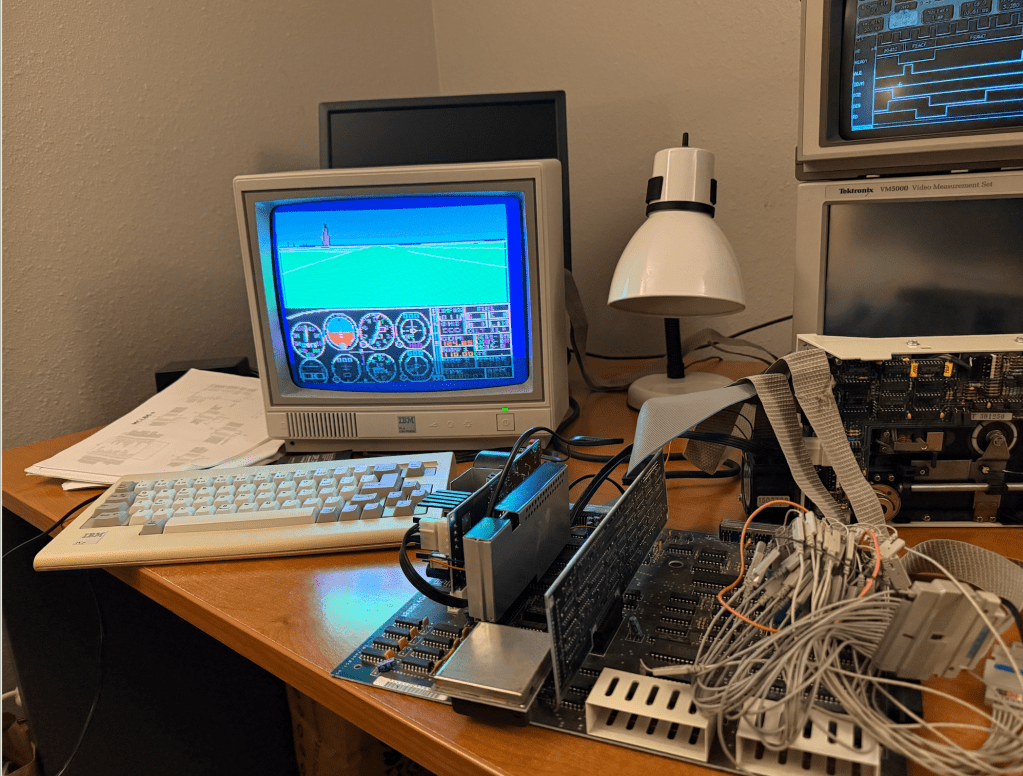
8088 CPU Emulator for the IBM PCjr – MCL86jr+

I got the MCL86+ running on the IBM PCjr by adding 8088 minimum mode support plus a few modifications to the PCB.

Project on GitHub: https://github.com/MicroCoreLabs/Projects/tree/master/MCL86%2B

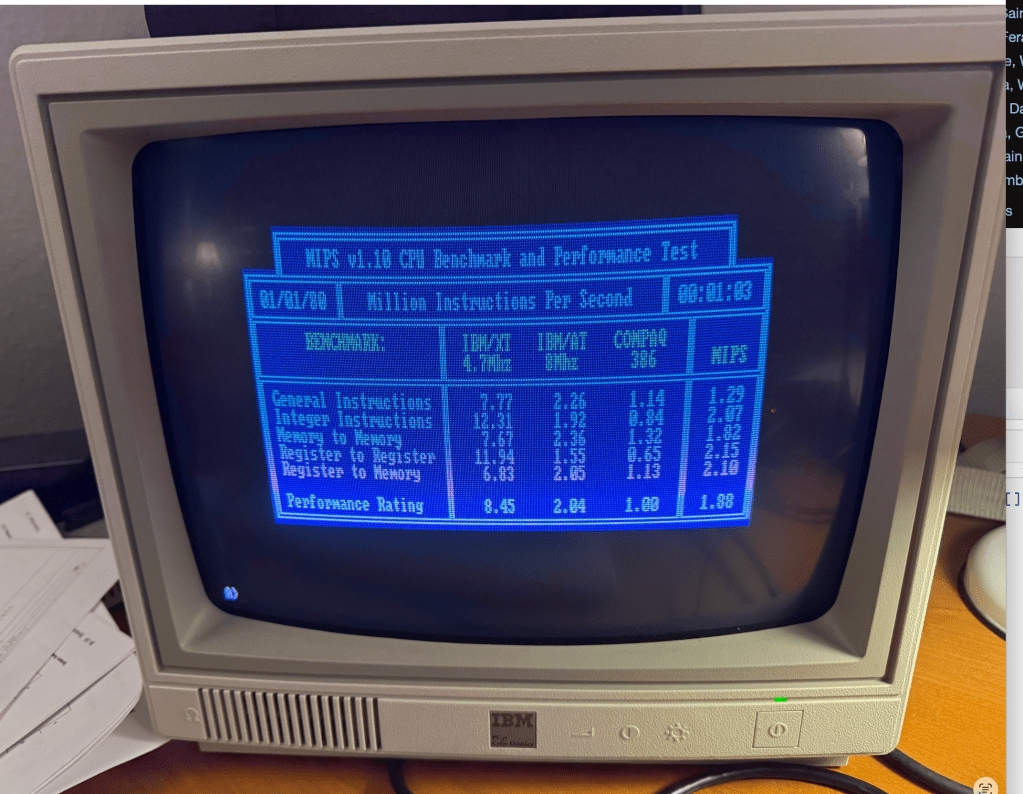
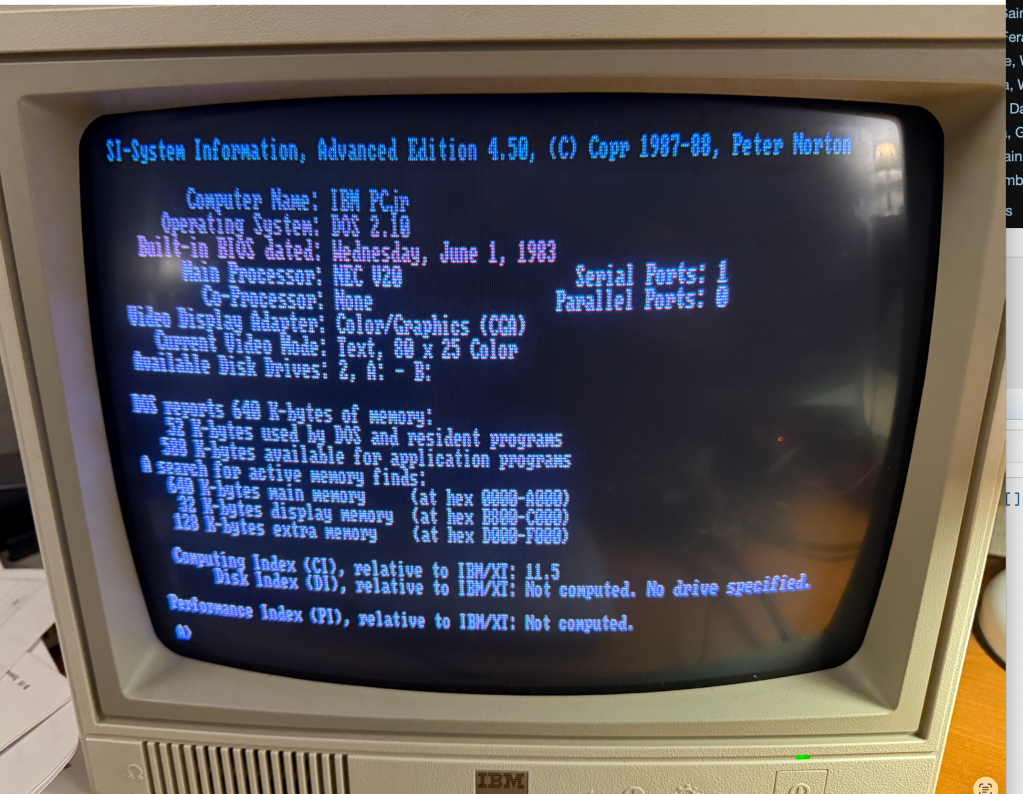
Cycle accurate mode appears to work fine so I next added some acceleration by removing clock counting and mirroring all 640 KB inside of the Teensy. According to MIPS.COM, this IBM PCjr is as fast as a 80386.

The only issue I am running into is the inability to write to the floppy drive. Reads work fine but writes are inconsistent. I’m fairly sure I know why…

Early in the development of the MCL86jr+ I found that the PCjr BIOS is very (overly) reliant on 8088 instruction and bus timing. 

Here is what I found:

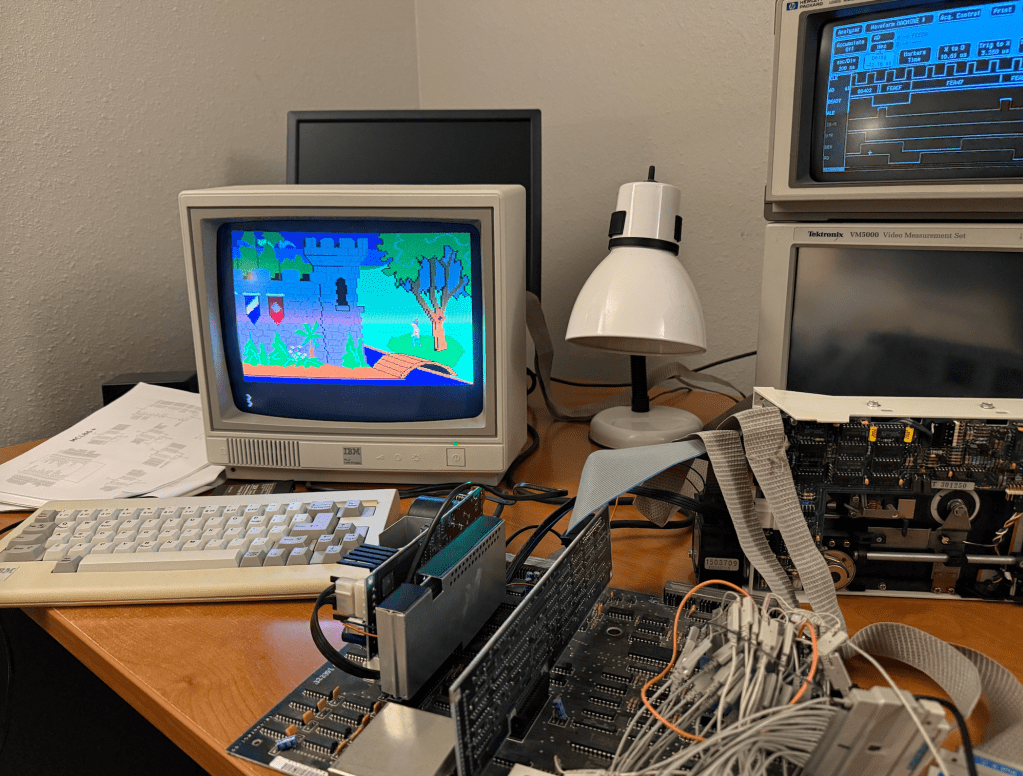
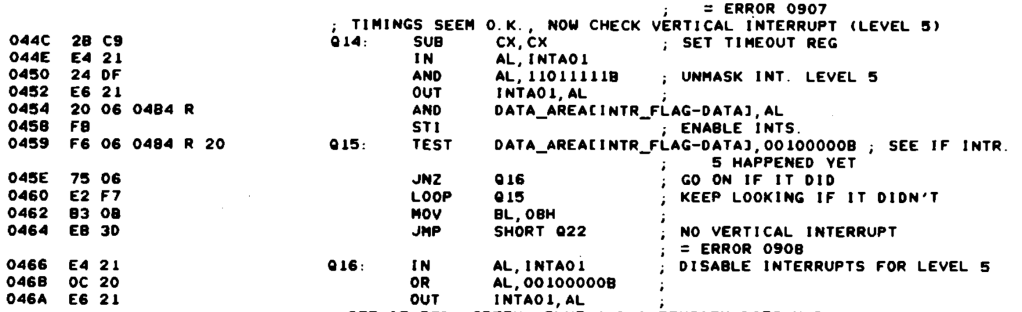
In the BIOS POST CRT Attachment Test the MCL86jr+ would fail with ERROR 0908 and halting. Once I compared the sequence on a logic analyzer with a genuine 8088 I could see that the MCL86+ was performing opcode prefetches at the end of opcodes while the real 8088 interspersed them throughout the opcode execution. This resulted in the MCL86jr+ opcode execution being “tighter” and ready to accept interrupts earlier than the genuine 8088 could. 

Shortly after the OUT opcode at address 0xF0452 which enables the vertical retrace interrupt was executed, the MCL86jr+ would accept and process the interrupt which disabled the source even before the main loop at address 0xF0459 had started. This code is not well written and is dependent on specific bus timing and recognition of the interrupt. 

Also, I am certain that interrupts were already enabled before address 0x0F458, so the STI opcode should not have been necessary. I wonder if they added it as an attempt to guarantee that interrupts would not be accepted until at least the end of the TEST opcode. (They knew that interrupts are not accepted at the end on the STI opcode). Seems like a sloppy solution.

My guess is that there is another timing-dependent piece of code somewhere in the floppy write routine which is not tolerant of big differences in the MCL86jr+’s approach to opcode and bus timing.

8088 CPU Emulator for the IBM PCjr – MCL86jr+

MCLV20_Max / MCL86+ as a debug tool

I picked up a IBM 5150 motherboard from the Silicon Valley Electronics Flea Market a a few weekends ago which appeared to be in very good condition.

I powered it up with just the power supply, VGA card, and the speaker to see if it could POST, but unfortunately it could not. Well, I did hear the pulse from the speaker which, I believe, means at least some of the BIOS was running.

To help debug this I plugged in an MCL86+ board, or more precisely, the MCLV20_Max which shares the same hardware and got the same results as the 8088.

I then wrote a bit of simple C code to perform a series of reads and writes to the BIOS ROM and the DRAM: I read a few bytes at FFFF:0000 and did some read/writes tests of the first DRAM bank at 0000:0000.

The ROM data at FFFF:0000 looked ok – it began with 0xEA which is the long jump. But the data returned from the DRAM was 0xFF for all DRAM banks – I checked pages 00000, 10000, 20000, 30000.

This could be caused by a number of things. The first places I looked with an oscilloscope were the control and data pins of the bi-directional data buffer between the CPU and the DRAM, then I examined the RAS, CAS, and WR_n signal.

It turned out to be the WR_n signal stuck at low. Unfortunately this signal is shared with ALL 36 DRAM chips! Any of them could have been dragging this signal down or it could have been another logic chip in this path. The first step was to pull all 27 of the socketed DRAMs but the problem persisted.

The next step was to look at the logic chips that generate WR_n starting from the ones closest to the DRAMs and working my way back. I isolated the stuck net at the output of the LS04 (inverter) so I snipped the output signal and checked it with the oscilloscope to confirm I had the right chip —But unfortunately I didn’t!

The net was still low which meant there was a short in one of the soldered-on DRAM chips or a short on the PCB.

I used an ohmmeter to see where the lowest resistance was to ground. I checked each socketed DRAM and was able to find that the lowest resistance was at the Bank-1 Parity DRAM! I thought this was strange – especially since there was no IC in the socket.

I thought I had better look under the PCB – and sure enough there was a short from the Parity DRAM’s WR_n signal (Pin-3) to the ground of bypass cap C7! It was because the factory did not clip the leads to many of the IC’s on this side of the PCB so they were long enough to touch an adjacent chip when bent over.

I clipped off the long pins and that was it! My tests were then able to read and write DRAM successfully I reinstalled the rest of the DRAMs and was also able to confirm they were all working.

The MCLV20_Max/MCL86+ made this debug much easier because the IBM BIOS doesn’t give much indication of what is wrong in situations like this. I also am using a VGA card so the diagnostic ROMs will not work.

With the MCLV20_Max I was able to write, compile, load, and run simple C code tests in minutes. I was able to isolate the issue to the DRAMs very quickly.

The IBM BIOS stops accessing DRAM as soon as it sees a failure, so it stops toggling the WR_n signal very quickly. The only way to get it to toggle would have been to constantly power cycle the machine which is both slow and stressful for the motherboard.

With the MCLV20_Max I was to hard-loop my write/read tests exclusively on the DRAM which guaranteed that the RAS/CAS/WR signals were always toggling so I could measure each IC in the signal path.

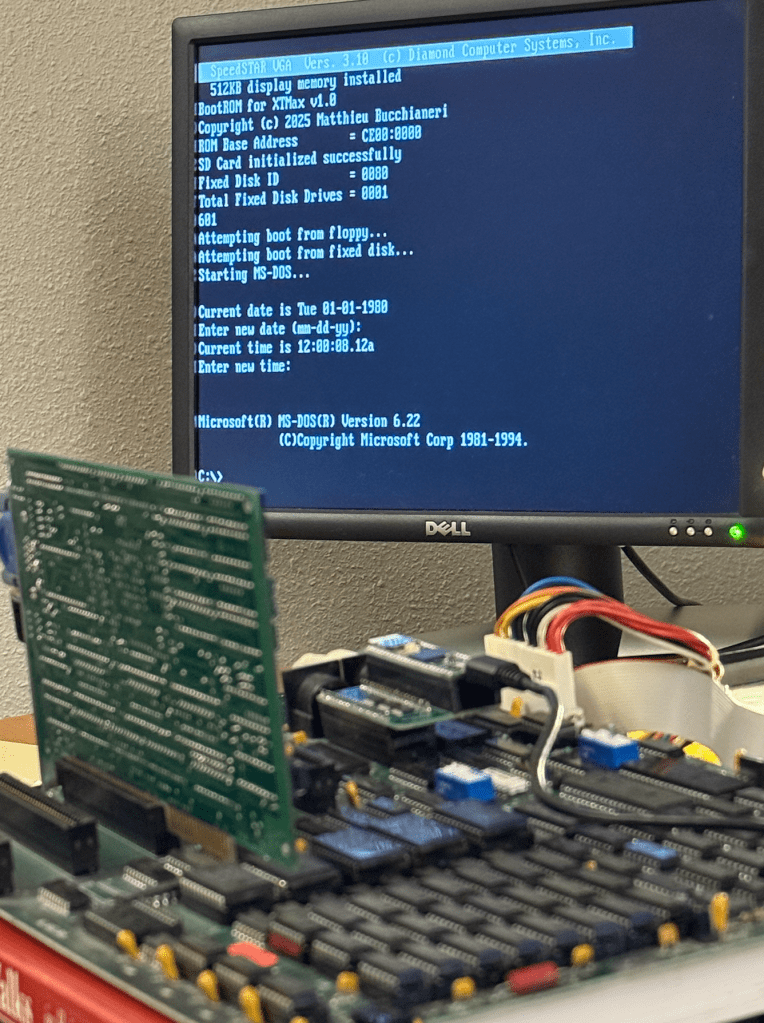
Once the debug was done I loaded in the MCLV20_Max code from GitHub in which booting from the MicroSD was recently added.

A fun fearure is that I am able to pre-set the acceleration mode to maximum so that the MCLV20_Max boots with the full 640 KB of RAM and acceleration many times faster than a stock 8088 

:)

Here it is:

MCLV20_Max / MCL86+ as a debug tool

XTMax – 8-bit Software-Defined ISA card using Teensy 4.1

XTMax is a software-defined 8-bit ISA card which uses a Teesny 4.1 microcontroller board that provides the functionality of THREE vintage ISA cards. It can expand “conventional” motherboard RAM up to 640 KB, adds up to 16 MB of Expanded RAM, supports 320 KB of UMB RAM, and provides bootable hard-drive access using a MicroSD card. A small PCB is used to allow nearly all of the ISA bus signals to attach to the Teensy 4.1.

A similar project to this is the PicoMem which is also a software-defined ISA expansion card, however the Teensy 4.1 used on the XTMax is nearly 3X faster than the Raspberry Pi Pico so does not share some of its limitations.

The first feature of XTMax is that it can expand the motherboard’s conventional (motherboard) ram up to 640 KB without limitation and with zero wait states. XTMax also has no limitation on the ability to support DMA to and from the computer’s floppy or spinning hard disks as PicoMem does.

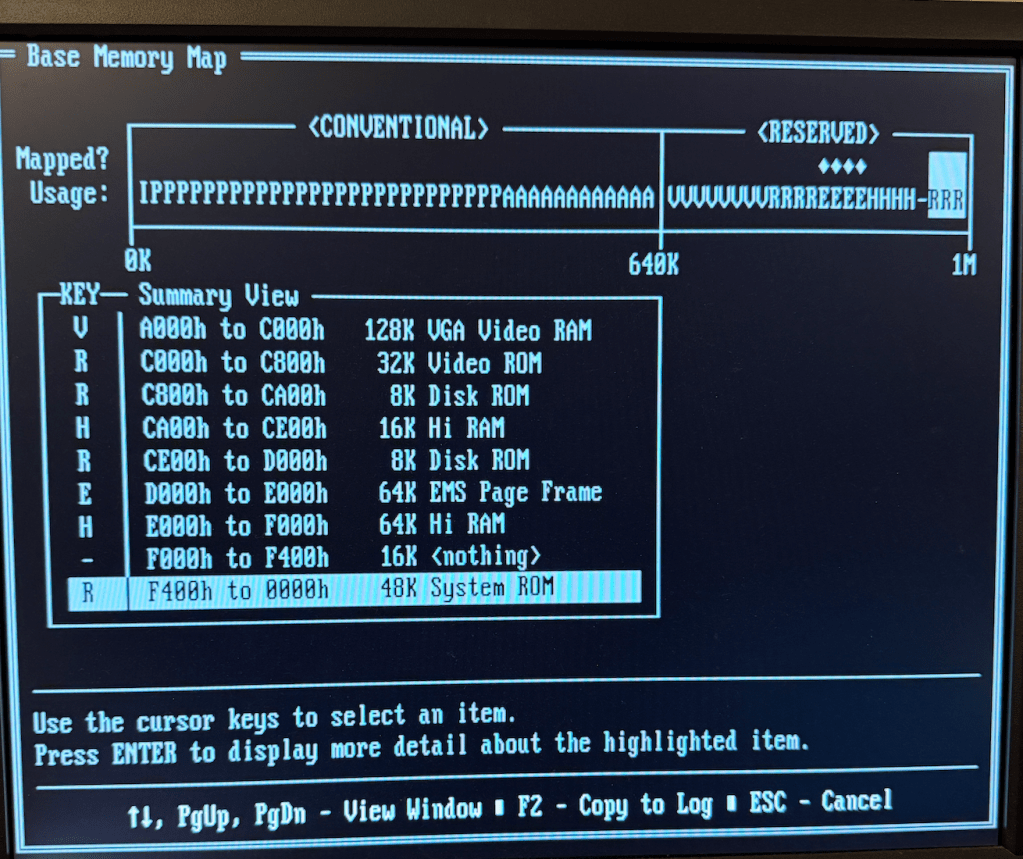
XTMax can currently support 16 MB of Expanded RAM and 320 KB of UMB using a updated drivers.

XTmax also allows a MicroSD card to be accessed as a hard drive which is similar to the functionality of an XT-IDE card. By default it will be the boot device if there is no hard drive present.

All design files are open souce and posted to GitHub:

https://github.com/MicroCoreLabs/Projects/tree/master/XTMax

Here is the PCB developed using KiCAD:

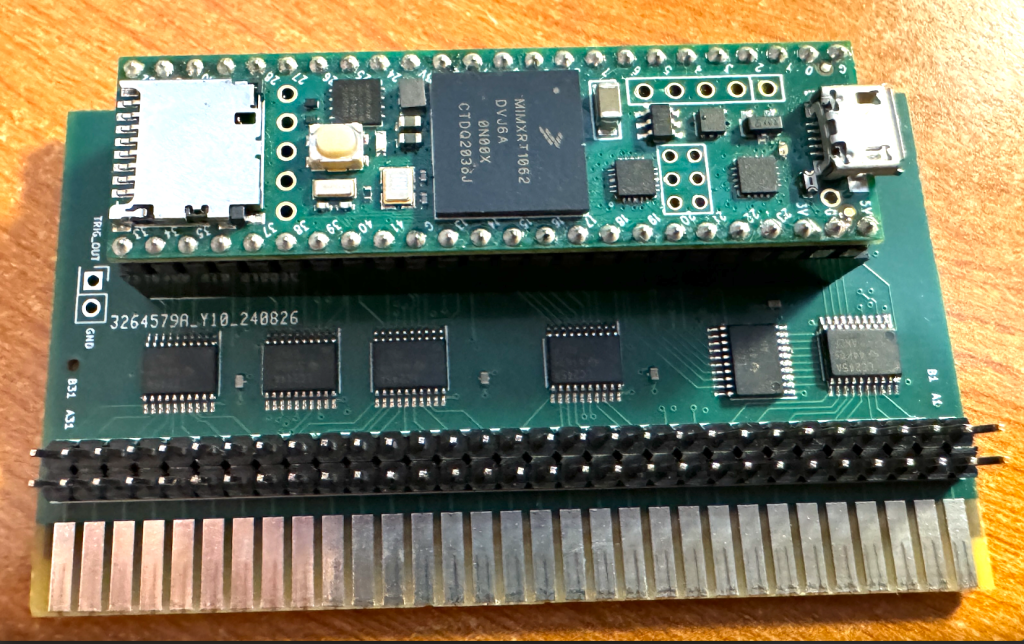
And here is the actual board with a Teensy 4.1 attached:

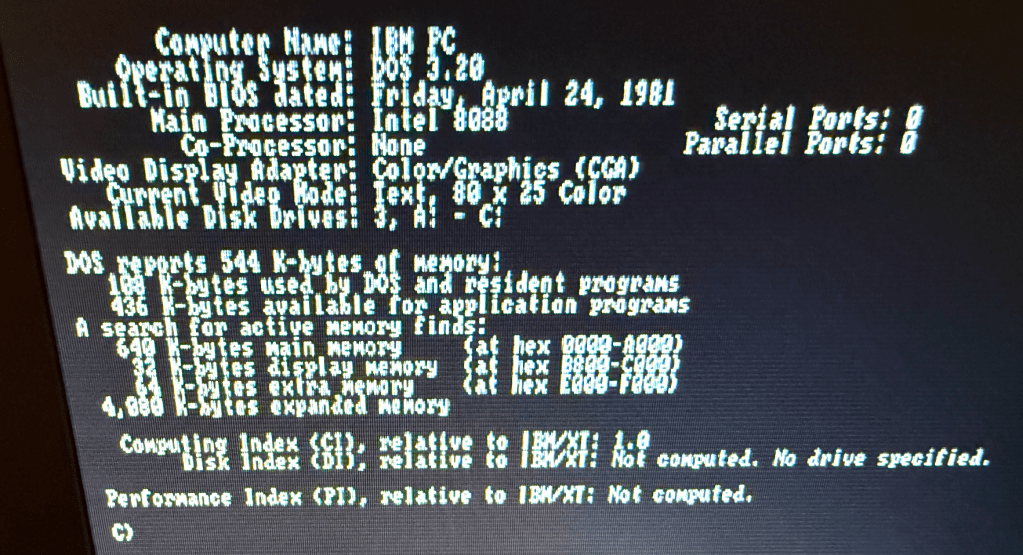
Here is XTMax installed in a very early IBM 5150 rev-A which has 64 KB installed on the motherboard.

It shows that 4 MB of Expanded RAM was added and that the MicroSD card is accessible as the C: drive. The older IBM PC’s did not display the total amount of conventional memory, but in this application below the memory is expanded to the maximum of 640 KB.

It is worth noting that the first BIOS version of the IBM PC did not support extension ROMs and therefore do not support hard disks, so XTMax is currently the only way to have a hard disk equivalent on these machines!

Here is the total memory on this early PC as reported by Norton Utilities:

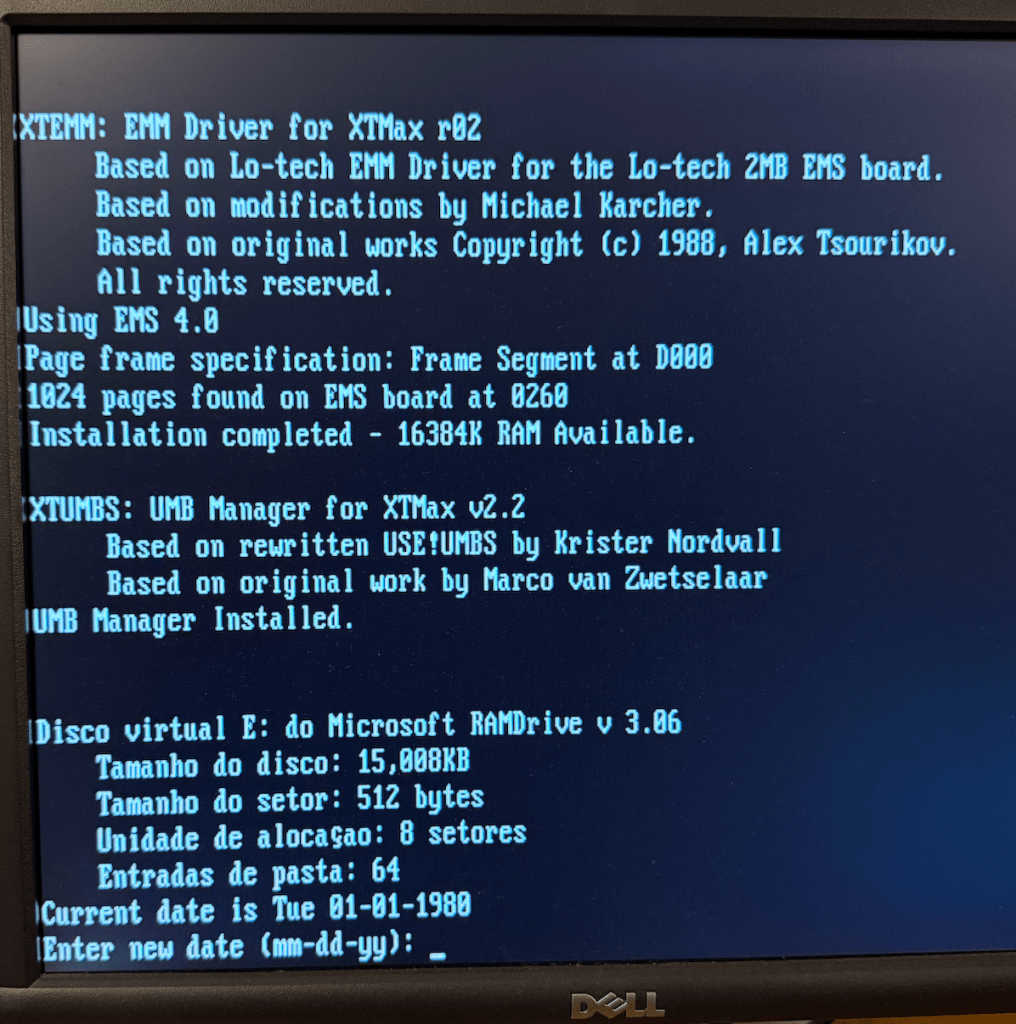
Here is a screen capture of the XTMax providing 16 MB of Expanded RAM and loads the UMB driver plus configures a 15 MB RAMDISK!

I posted a video on YouTube of the XTMax in action:

XTMax – 8-bit Software-Defined ISA card using Teensy 4.1