
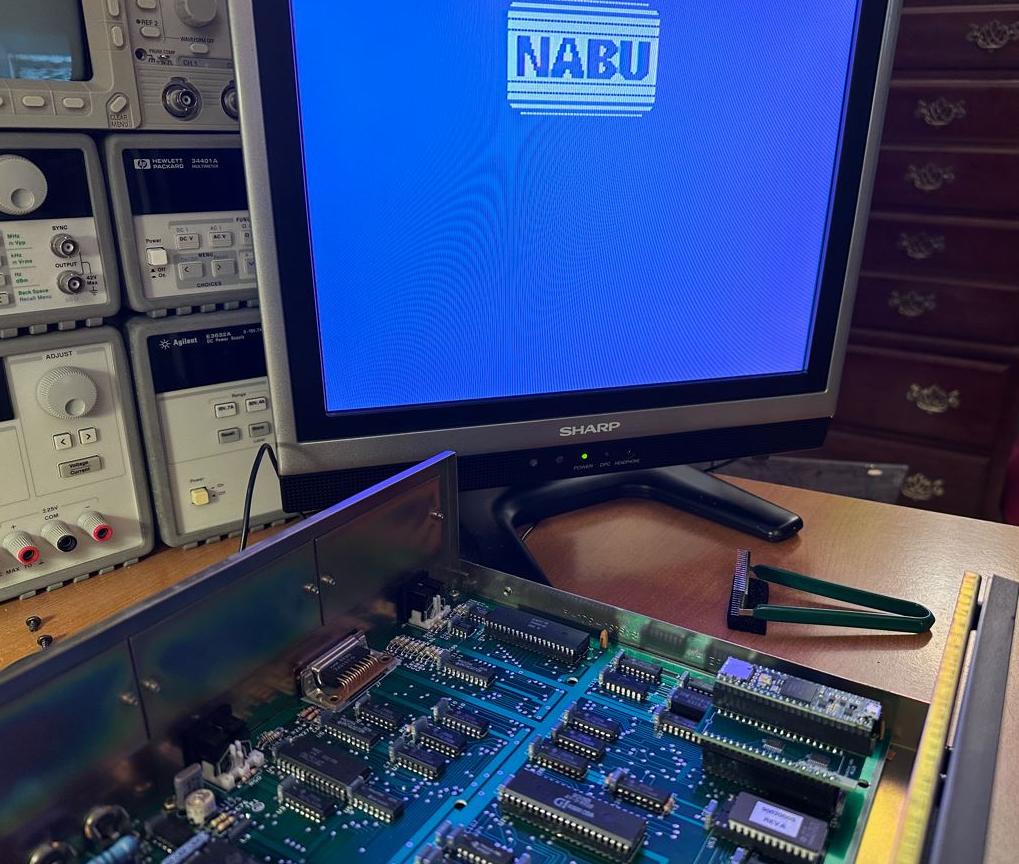
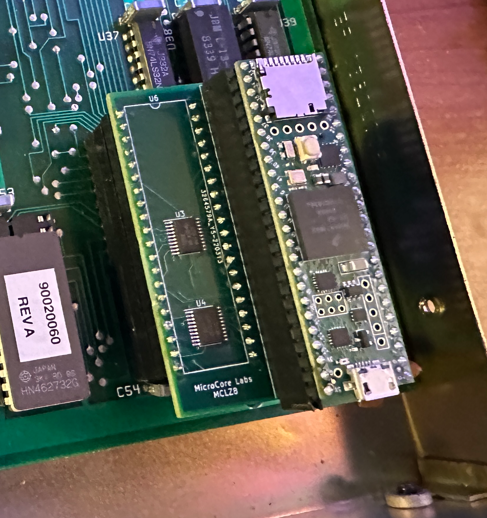
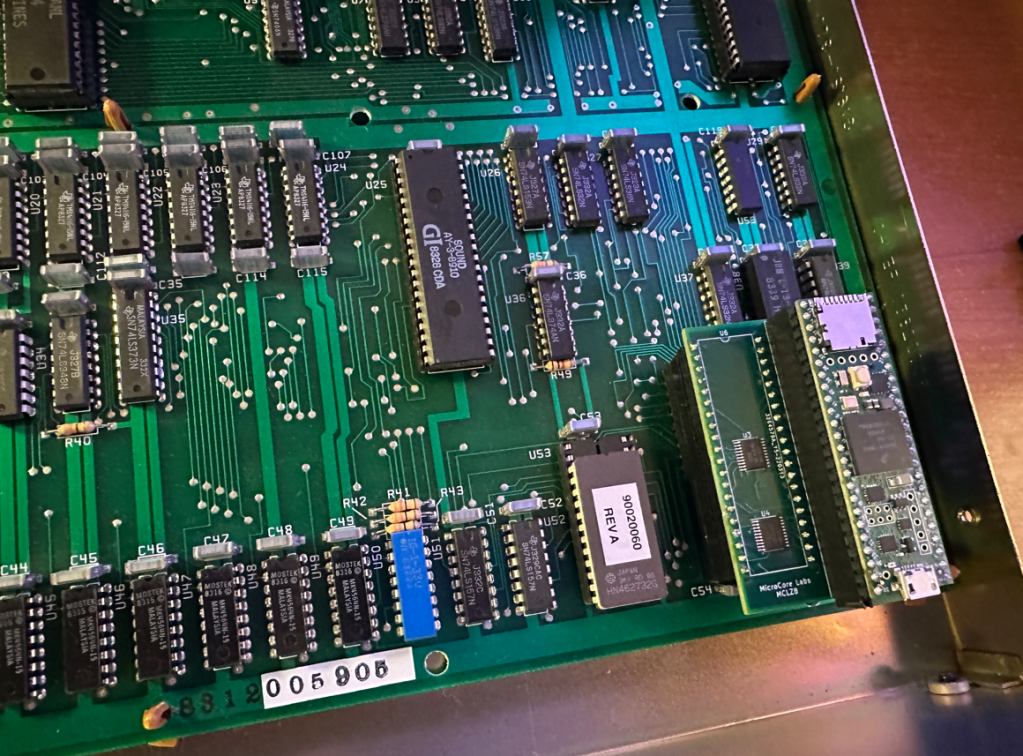
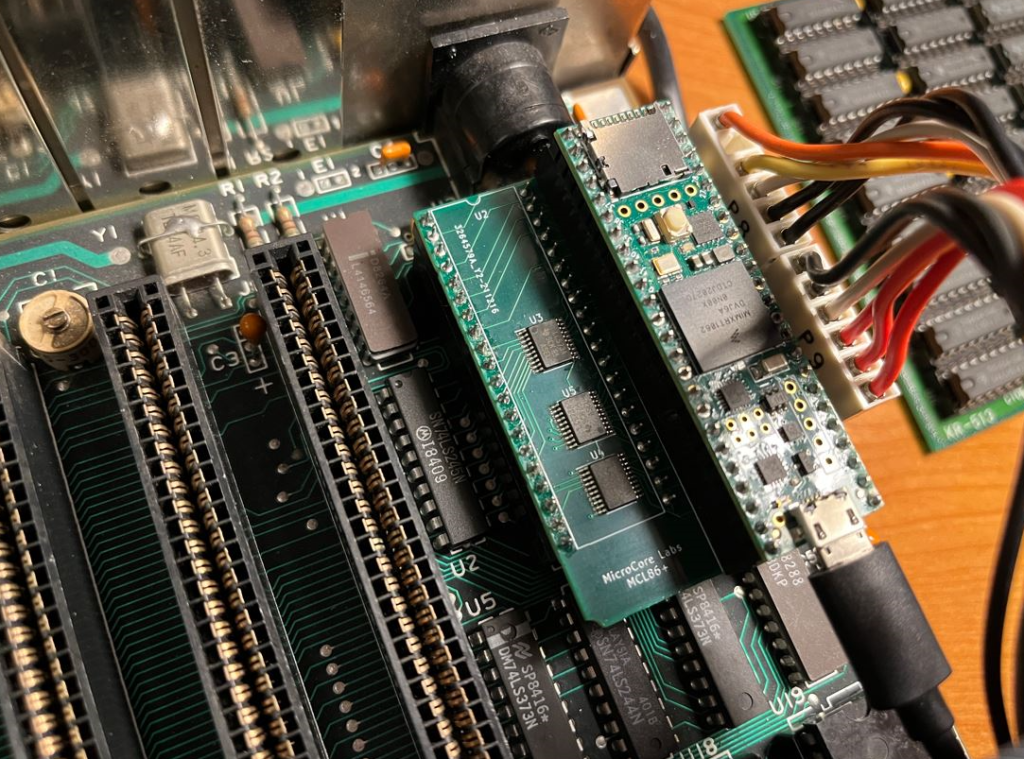
The Turbo NABU project is a drop-in replacement for the Z80 CPU on the NABU’s motherboard which does not emulate the processor but instead controls the motherboard resources using C code running on the 800 Mhz Teensy microcontroller.
The code is compiled using the Arduino GUI and runs directly on the Teensy 4.1’s 32-bit ARM A9 which is an 800Mhz+ superscalar CPU. This provides the ability to write C code to run on this fast CPU in the place of the vintage computer’s CPU!
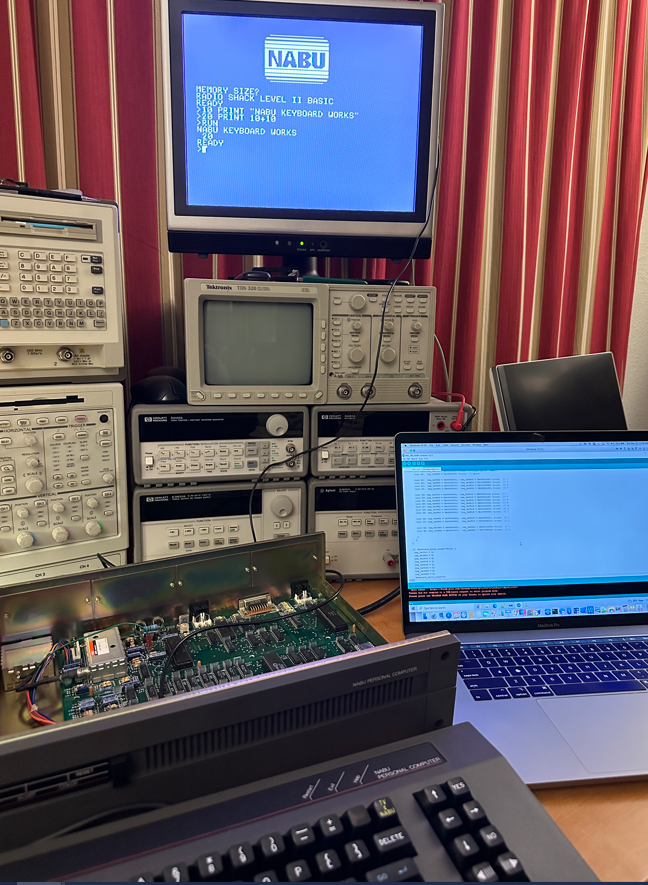
The Turbo NABU has control over the Z80’s local bus so it has access to all of the motherboard’s peripherals which include the keyboard, video, sound, and anything else accessible by the Z80.
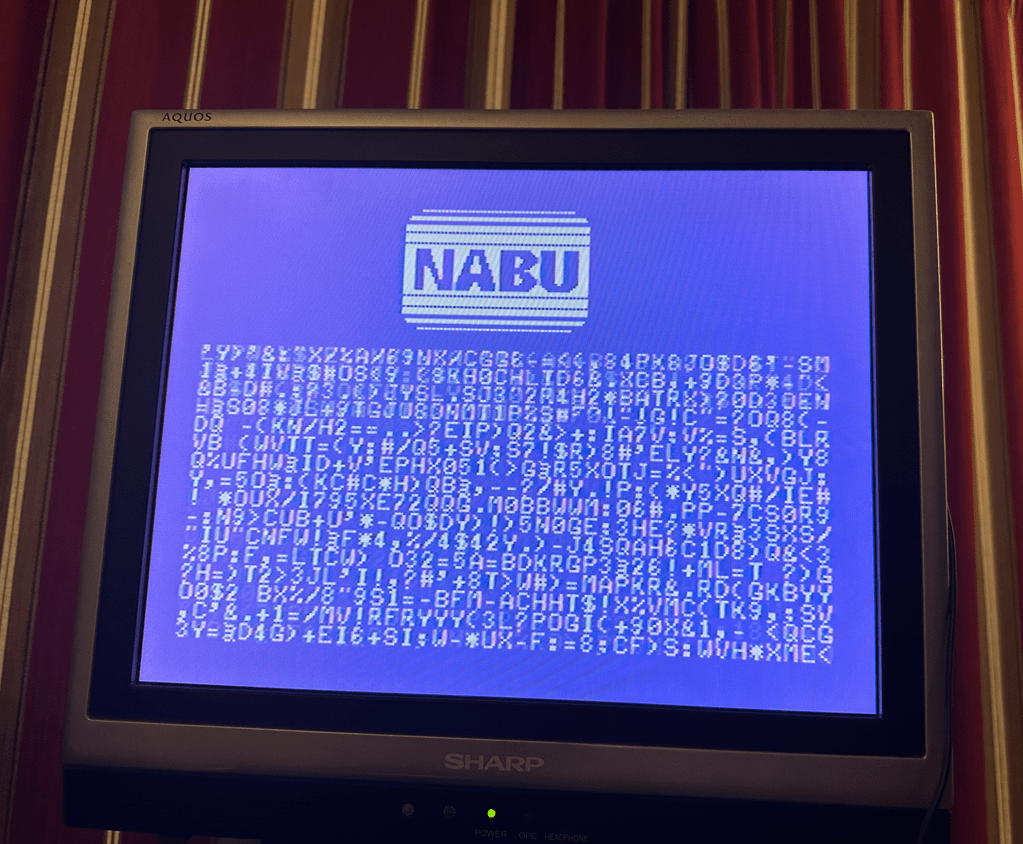
To access the NABU’s video and keyboard I have ported a printf, and scanf, and a small amount of code to access these resources. With these functions you can write programs using regular C code and use printf and scanf to accept input and display the results!
The Turbo NABU would be fun for people who would like to develop programs for this vintage computer while using the modern and easy to use Arduino tools. It is also fun to see these vintage machines running at ridiculously fast speeds!
The code is on GitHub: https://github.com/MicroCoreLabs/Projects/tree/master/Turbo_NABU
I uploaded a video to YouTube demonstrating the Turbo NABU:








 MicroCore Labs